Welcome!
-
-
-
-
-
-
- LMS Home
- Core Concepts
- Companies and Departments
- Courses
- Course Status and Visibility
- Sections
- Video Activities
- Reading Activities
- Document Activities
- Enrolling People in a Course
- Bulk Enroll With CSV
- Roles in a Course
- How Progress Is Tracked
- Course Reports
- Knowledge Base Overview
- Libraries and Folders
- Uploading Content Items
- Library Visibility
- AI Agent per Library
- My Courses
- Platform People
-
-
-
-
- Project Structure Template
- Table of Contents (TOC)
- Content Folder
- Introduction to Markdown
- Markdown Basics
- Markdown Lists
- Markdown Links
- Markdown Images
- Markdown Code
- Markdown Tables
- Markdown Equations
- Markdown Videos
- Markdown Embedded HTML
- VS Code Snippets
- Introduction to Styles
- Custom Theme
- Framed Narrations
- Markdown Configuration
- Editor Setup
-
Markdown Documentation
Introduction
Markdown is a simple markup language that allows you to write content using plain text. It was created to make it easier to format text for the web without using complex HTML tags. With Markdown, you can create easy-to-read and write content that can be converted into HTML, PDFs, and other formats.
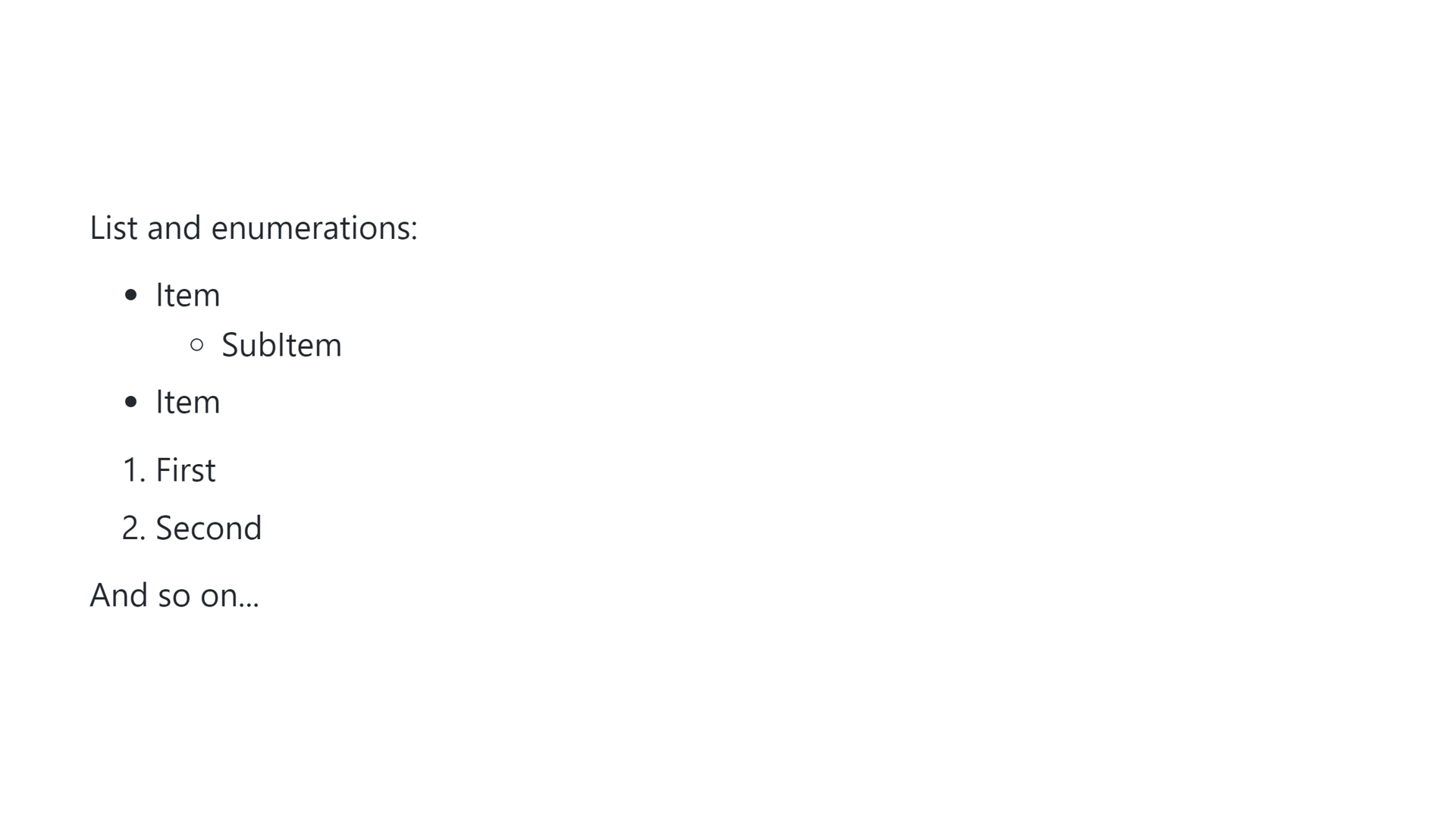
# This is a Title

## This is a subtitle

You can also write complete paragraphs including **bolds**, *italics*, [links](https://lupo.ai), and even `code`.

Markdown supports a lot of different blocks like quotes:

> The quick brown fox jumped over the lazy dog
This will result in:
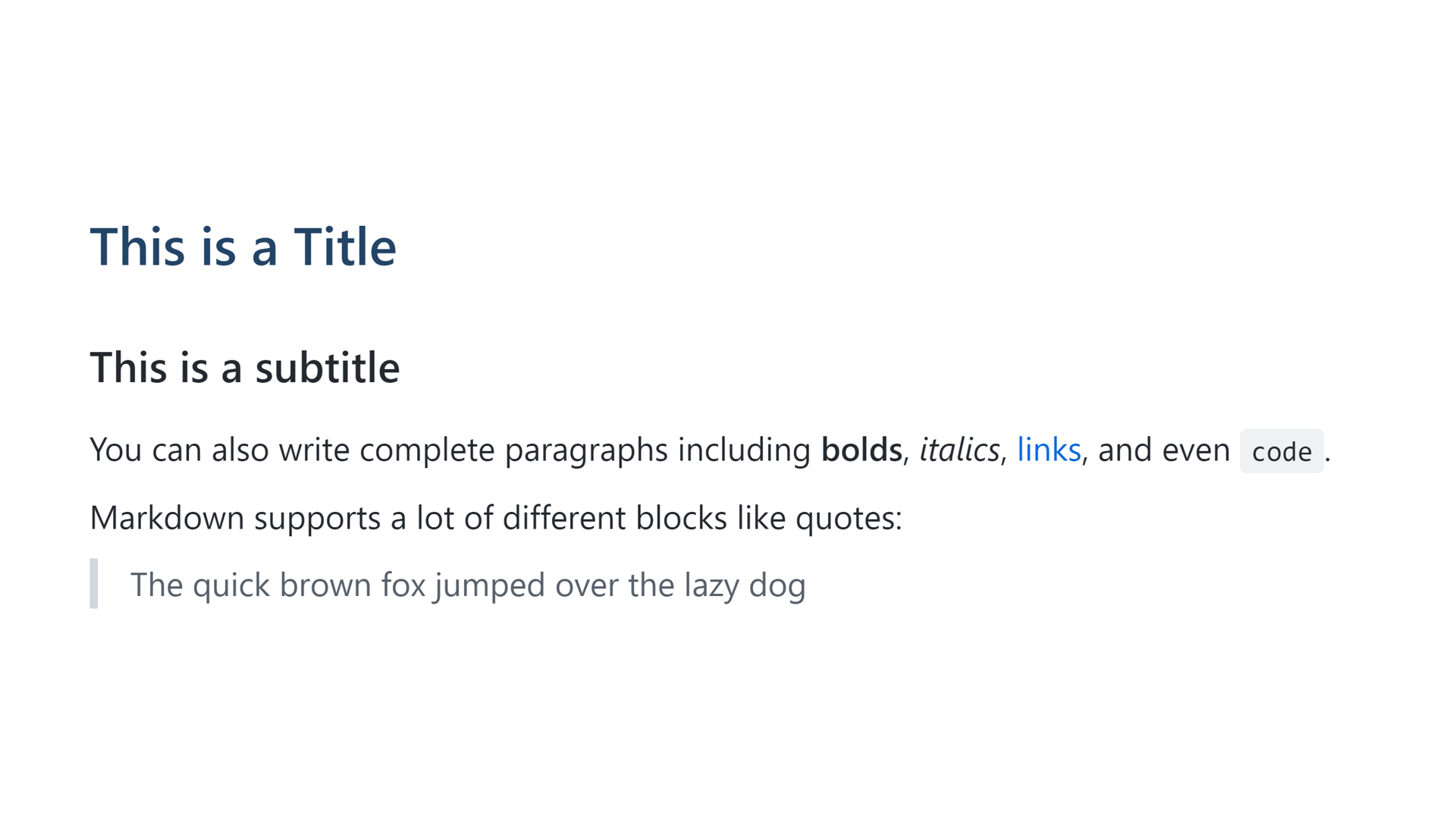
List and enumerations:

- Item
  - SubItem
- Item

1. First
2. Second

And so on...

<!-- This is a comment -->