Welcome!
-
-
-
-
-
-
- LMS Home
- Core Concepts
- Companies and Departments
- Courses
- Course Status and Visibility
- Sections
- Video Activities
- Reading Activities
- Document Activities
- Enrolling People in a Course
- Bulk Enroll With CSV
- Roles in a Course
- How Progress Is Tracked
- Course Reports
- Knowledge Base Overview
- Libraries and Folders
- Uploading Content Items
- Library Visibility
- AI Agent per Library
- My Courses
- Platform People
-
-
-
-
- Project Structure Template
- Table of Contents (TOC)
- Content Folder
- Introduction to Markdown
- Markdown Basics
- Markdown Lists
- Markdown Links
- Markdown Images
- Markdown Code
- Markdown Tables
- Markdown Equations
- Markdown Videos
- Markdown Embedded HTML
- VS Code Snippets
- Introduction to Styles
- Custom Theme
- Framed Narrations
- Markdown Configuration
- Editor Setup
-
Mathematical Equations
Markdown offers an easy and convenient way to display mathematical equations in your documents or presentations. By using the LaTeX syntax, you can write complex mathematical expressions with ease and precision. In this section, we will learn how to display mathematical equations in markdown using the LaTeX syntax. We will cover various LaTeX commands and how to use them to display a wide range of mathematical expressions in your markdown documents or presentations. So, let's get started and explore the world of mathematical equations in markdown!
Equations using Latex
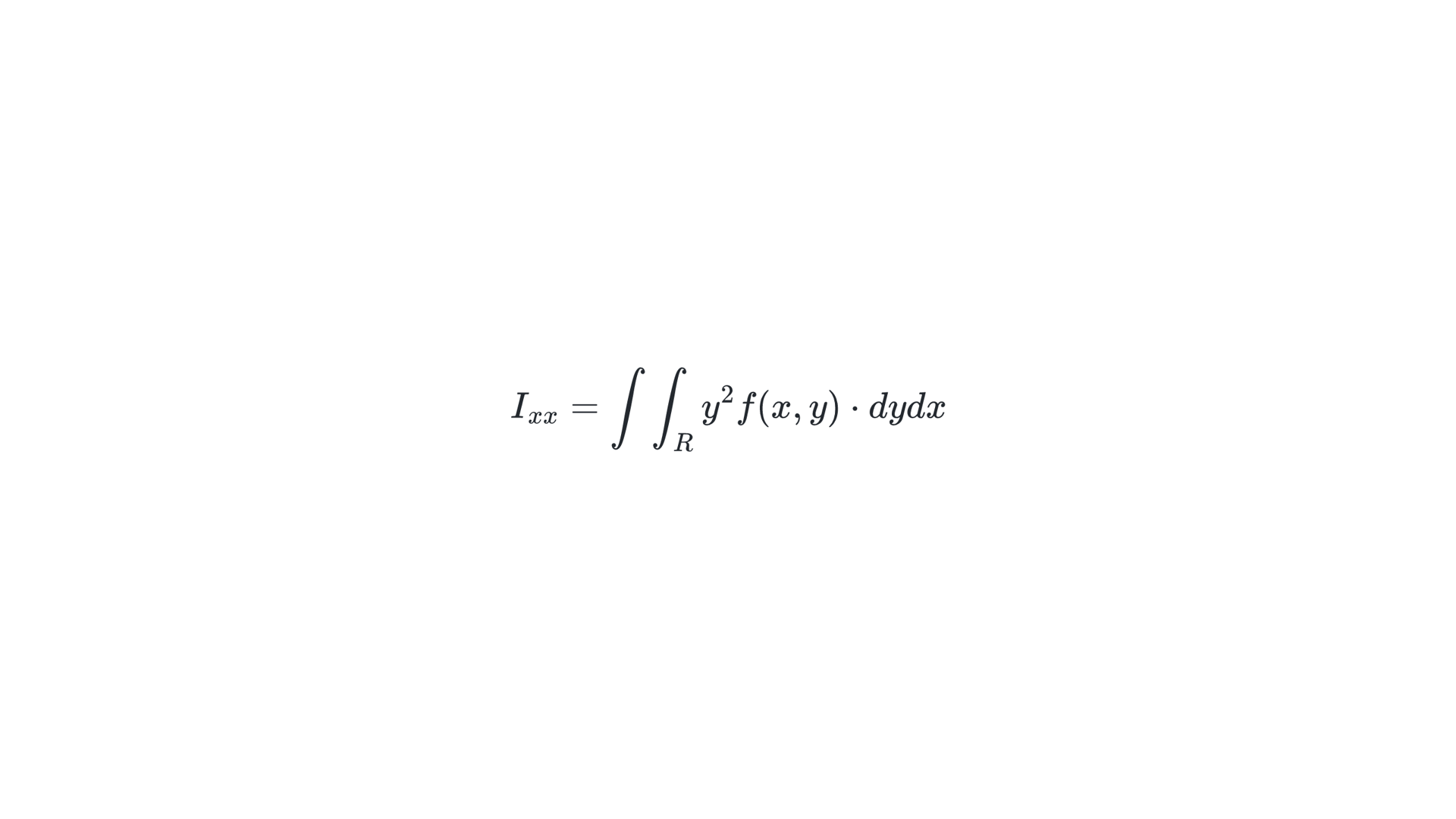
To write mathematical equations in markdown, you can use LaTeX syntax. You can write inline equations by enclosing the equation in a single pair of dollar signs ($...$), and you can display equations on a separate line by enclosing the equation in a double pair of dollar signs ($$...$$).
$$ I_{xx}=\int\int_Ry^2f(x,y)\cdot{}dydx $$
This will render as:
Math Text
You can also use math text options in markdown to incorporate mathematical expressions within regular text.
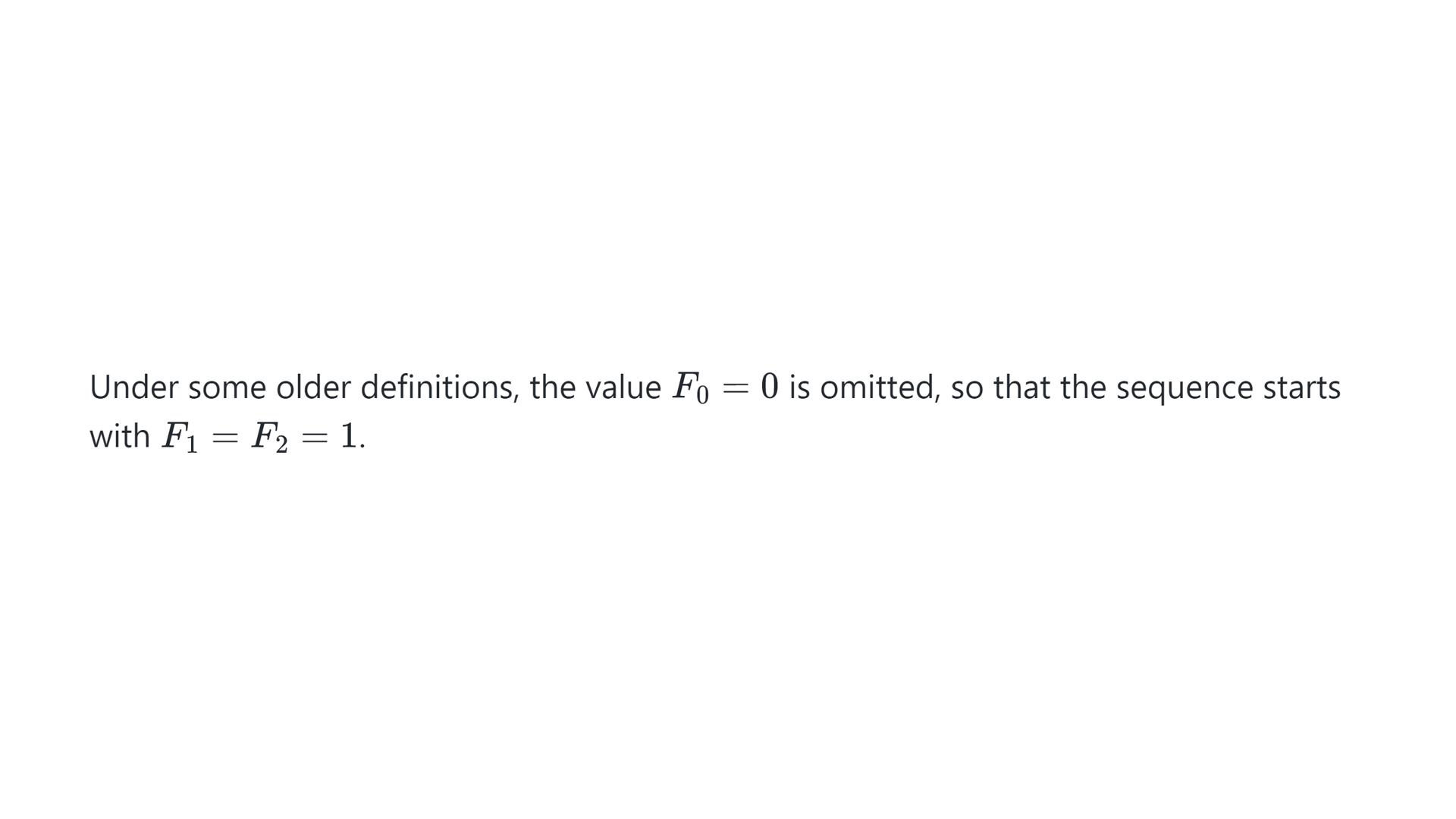
Under some older definitions, the value $F_{0}=0$ is omitted, so that the sequence starts with ${F_{1}=F_{2}=1}$.
This will render as: