Welcome!
-
-
- Learn Home
- Core Concepts
- Companies and Departments
- Courses
- Course Status and Visibility
- Modules
- Video Activities
- Reading Activities
- Document Activities
- Enrolling People in a Course
- Bulk Enroll With CSV
- Roles in a Course
- How Progress Is Tracked
- Course Reports
- Knowledge Base Overview
- Libraries and Folders
- Uploading Content Items
- Library Visibility
- AI Agent per Library
- My Courses
- Platform People
-
- Project Structure Template
- Table of Contents (TOC)
- Content Folder
- Introduction to Markdown
- Markdown Basics
- Markdown Lists
- Markdown Links
- Markdown Images
- Markdown Code
- Markdown Tables
- Markdown Equations
- Markdown Videos
- Markdown Embedded HTML
- VS Code Snippets
- Introduction to Styles
- Framed Narrations
- Markdown Configuration
- Editor Setup
-
-
-
Editor
This page is for teams on the Markdown path, which the Lupo team sets up on request (see Markdown Configuration). If you create videos from PowerPoint, Google Slides or a PDF, you don't need a code editor.
We strongly recommend you use Visual Studio Code (VS Code) to edit your files. Visual Studio Code is a great text editor with extensible capabilities.
Extensions
We recommend installing the following extensions:
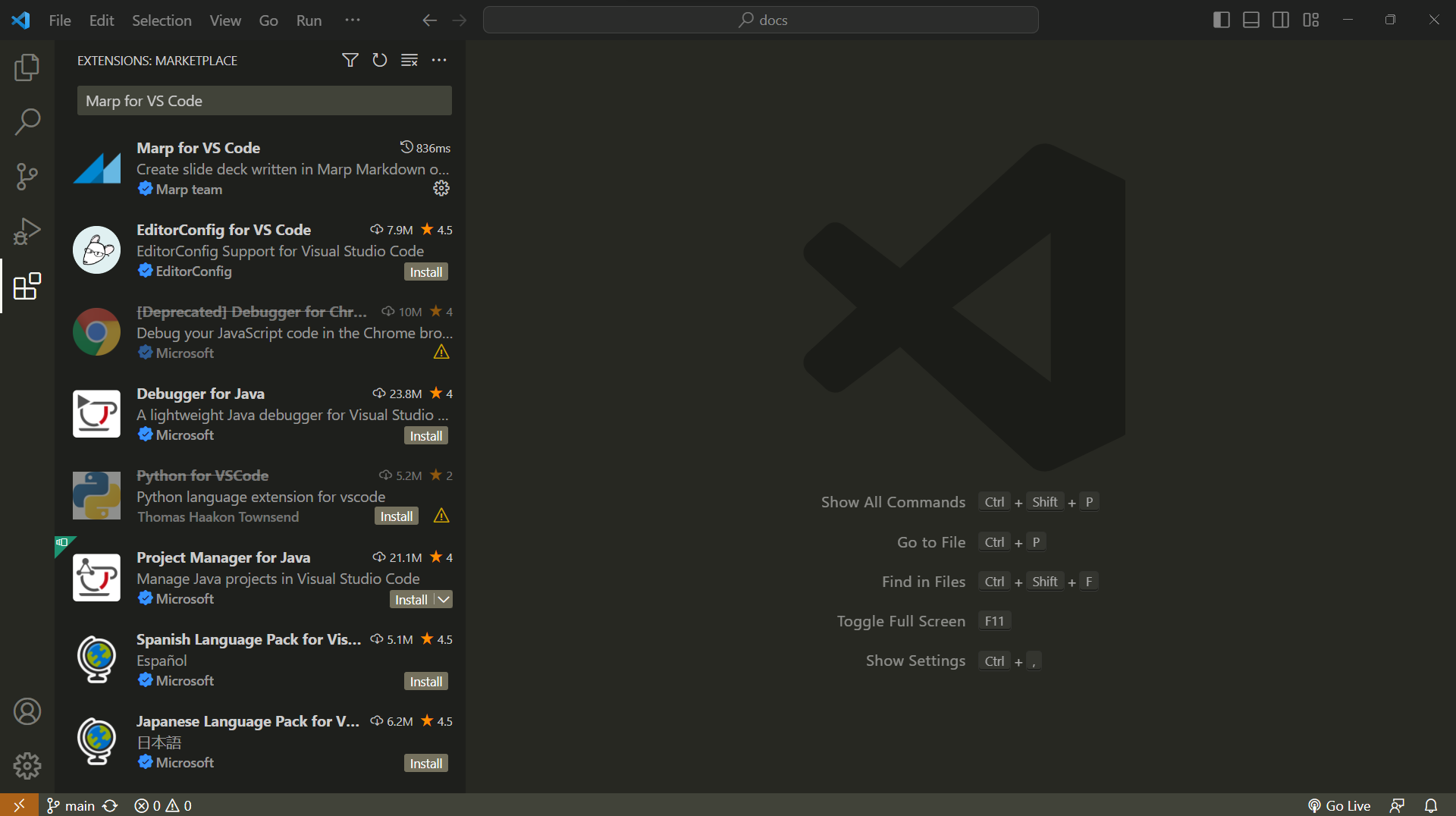
- Marp for VS Code — previews your slides as you write them. The template repository recommends it, so VS Code offers to install it when you open the project.
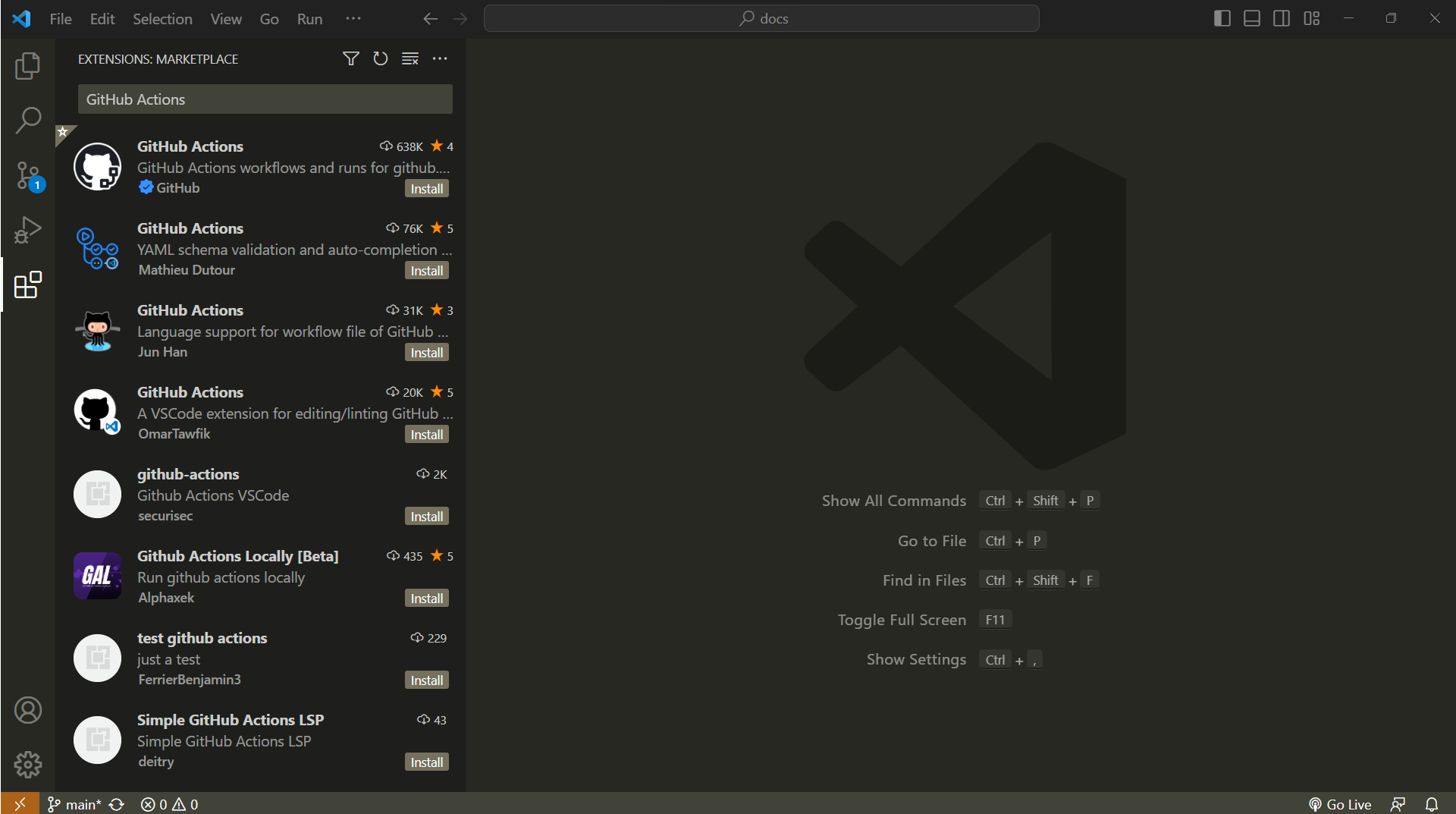
- GitHub Actions — lets you run a repository's workflows from the editor instead of from the GitHub website, such as the Generate Course with Lupo workflow the template repository ships.